Graduate Student Work | Research Posters
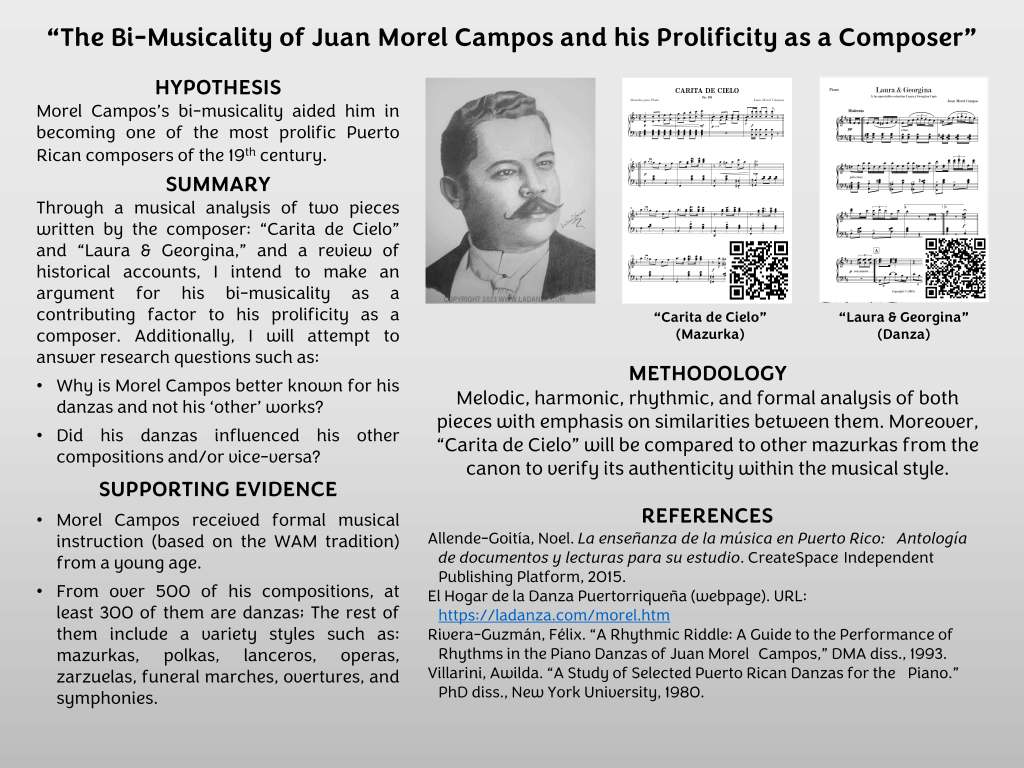
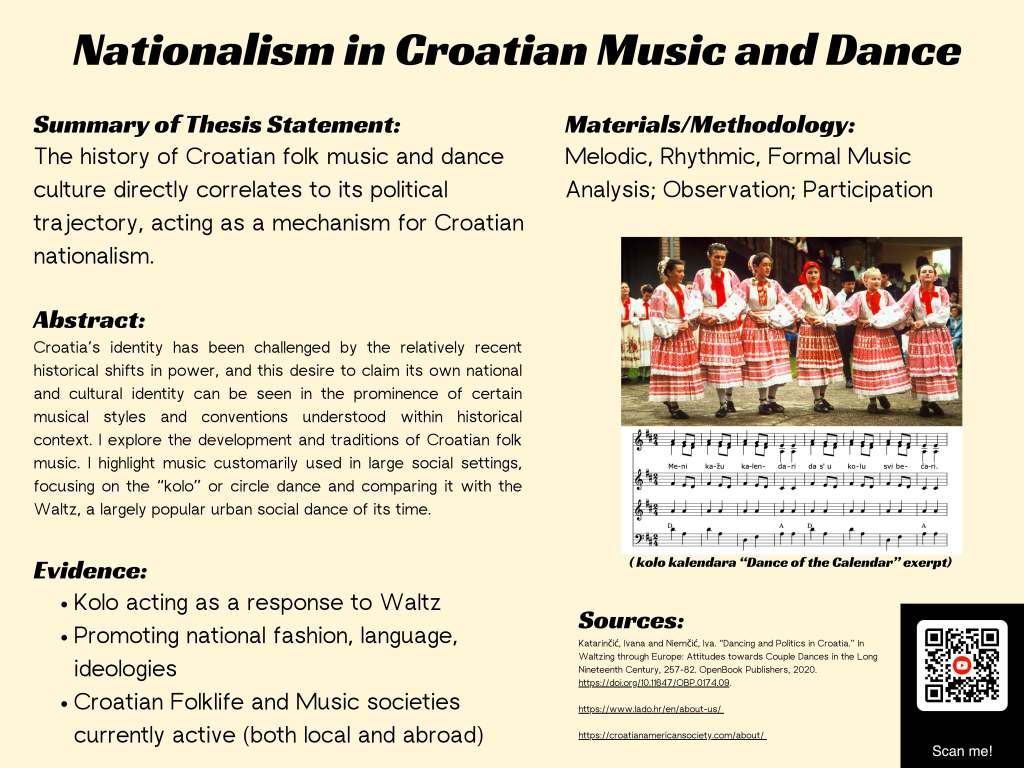
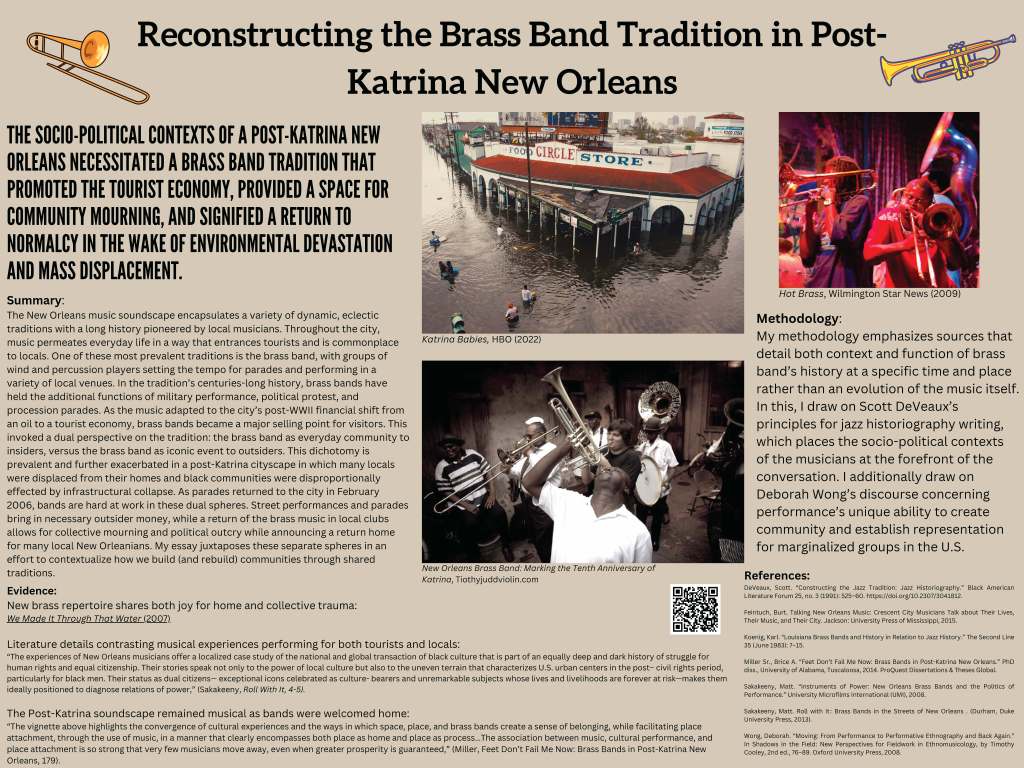
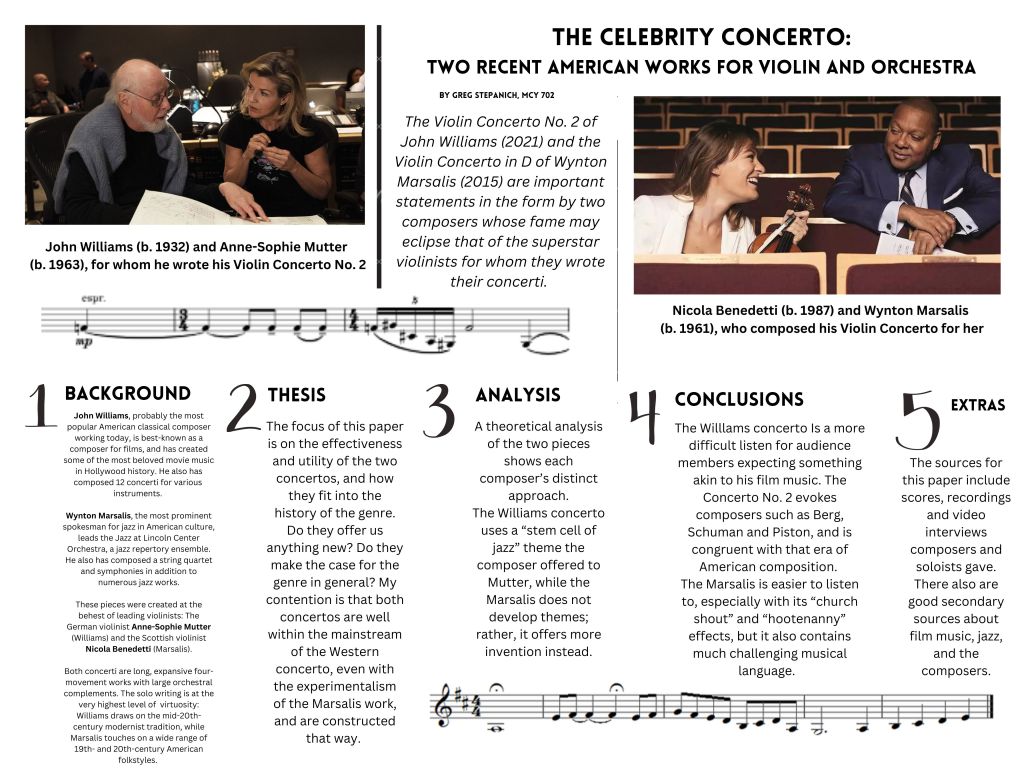
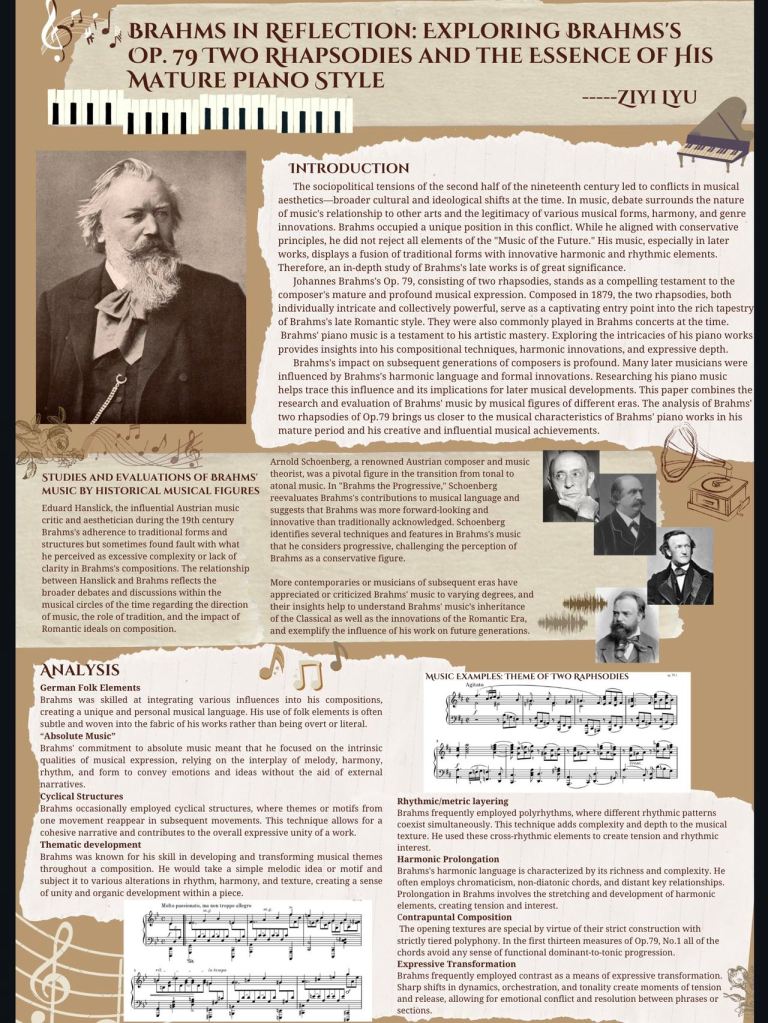
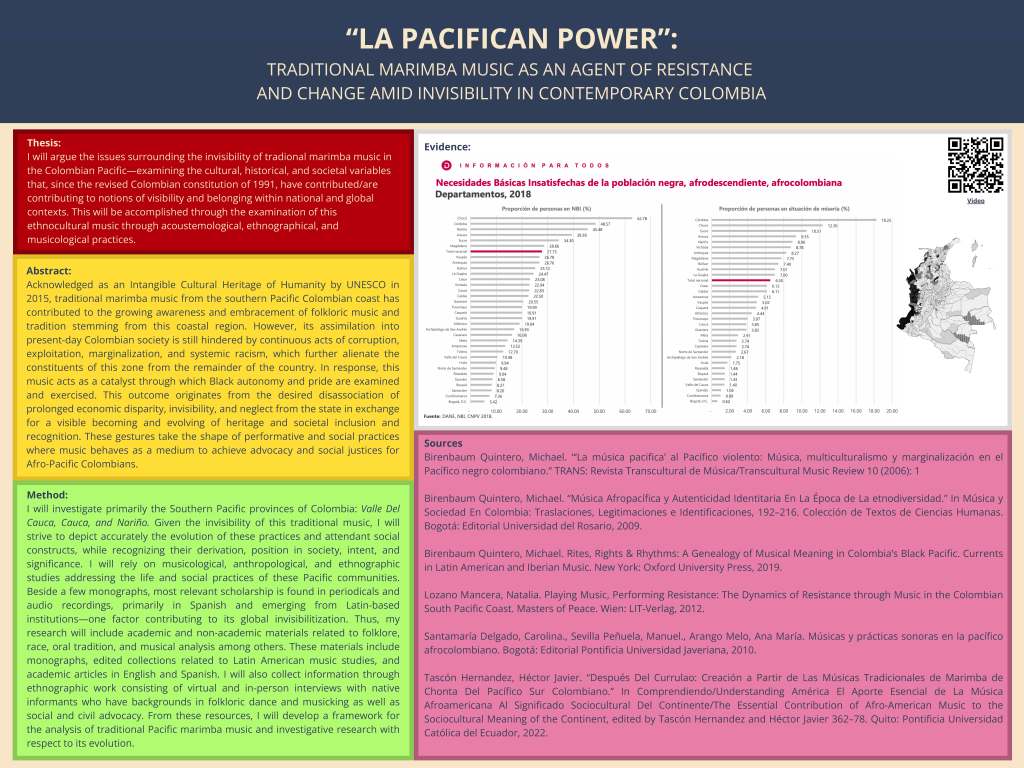



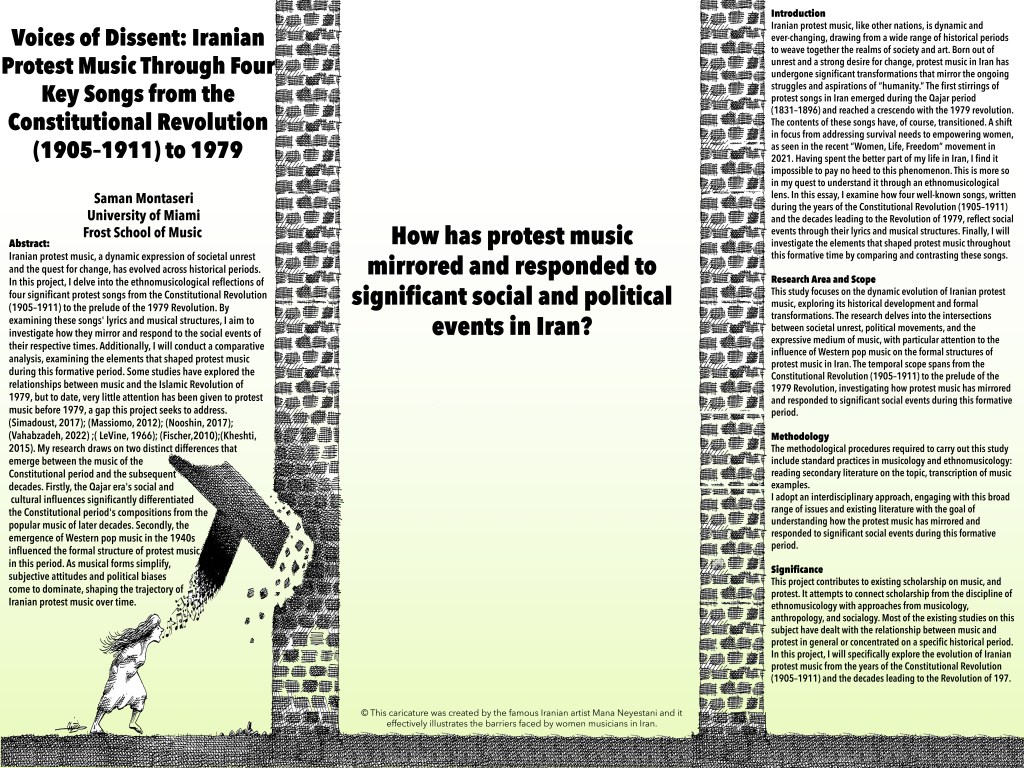

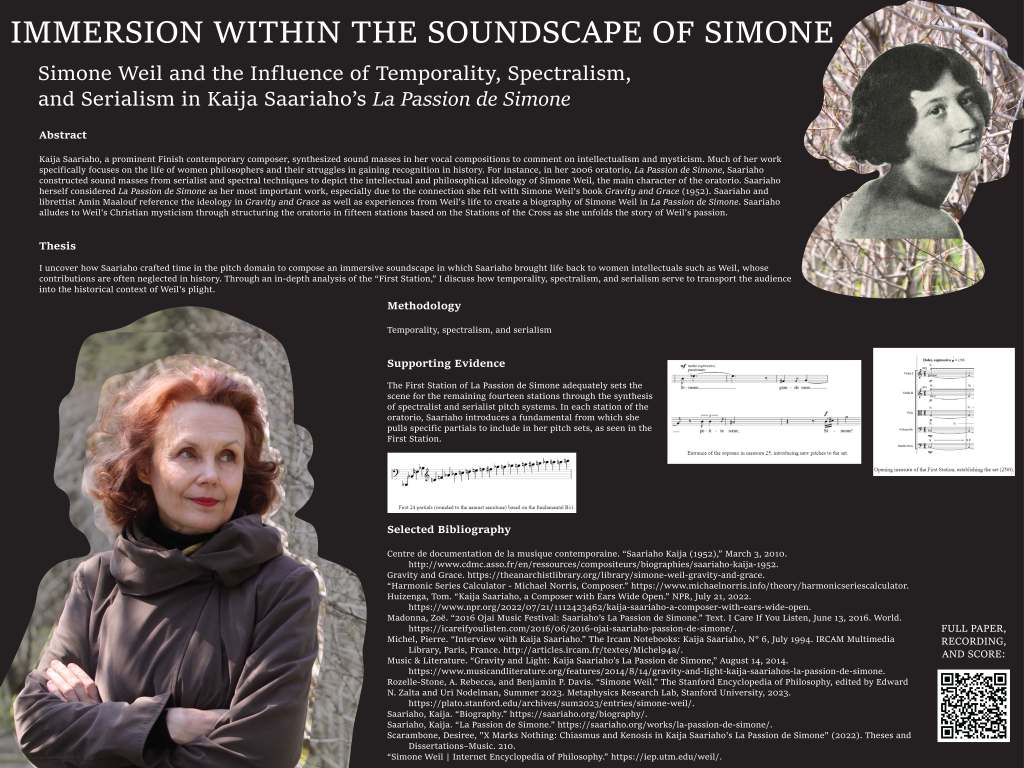
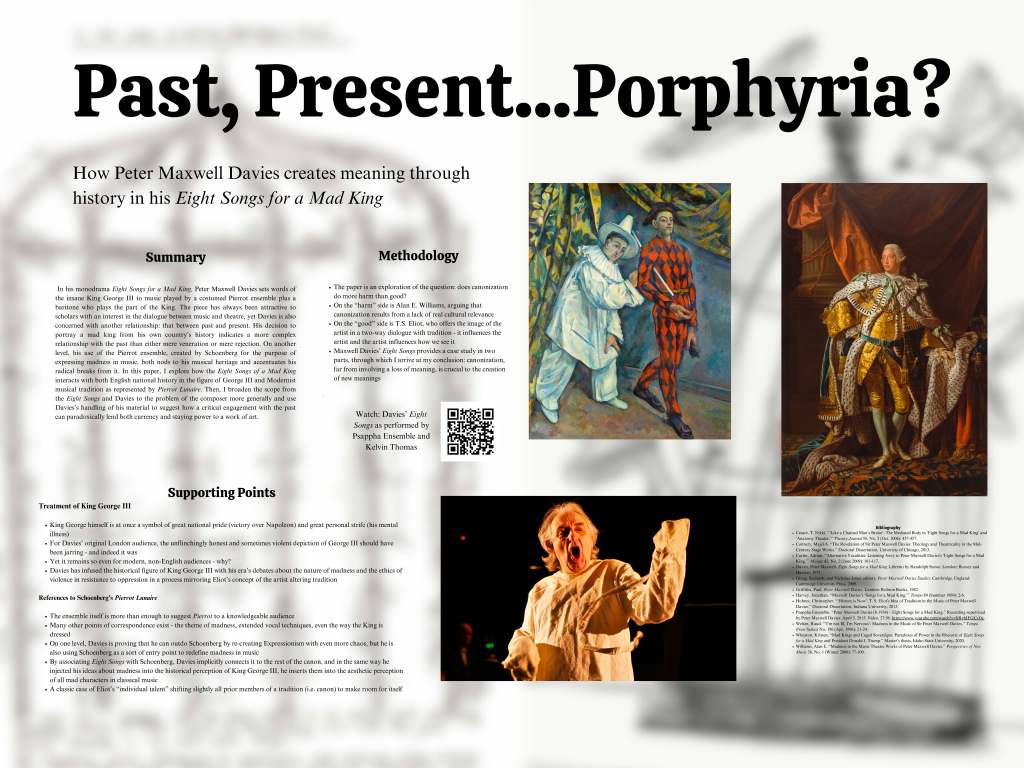
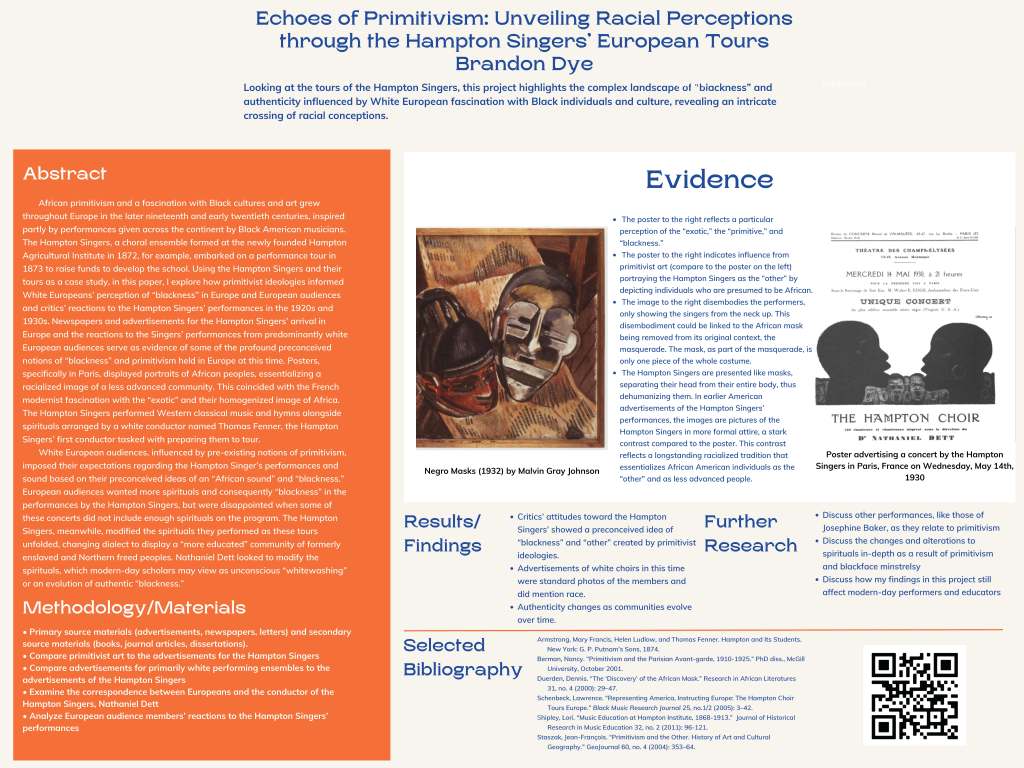
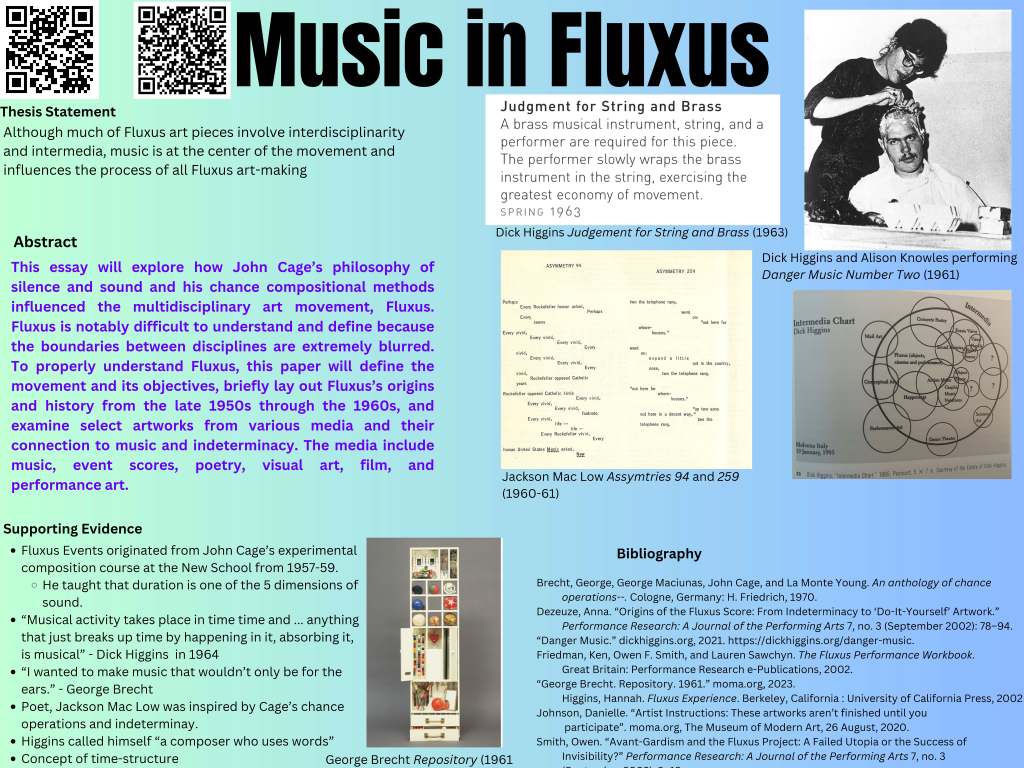


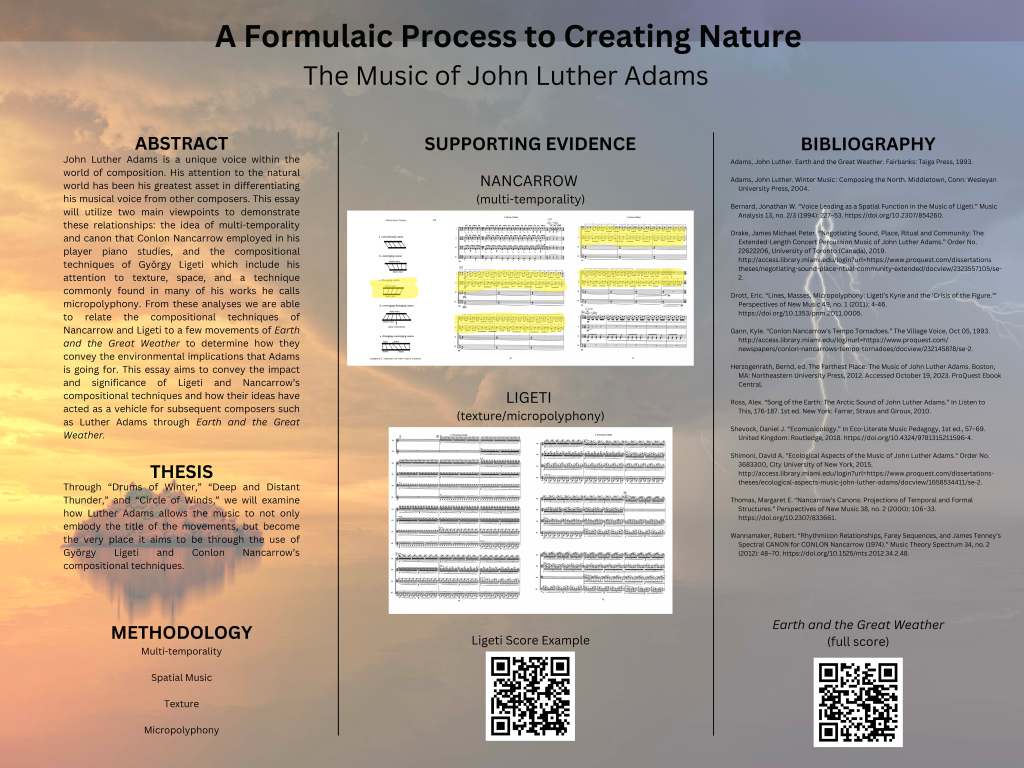

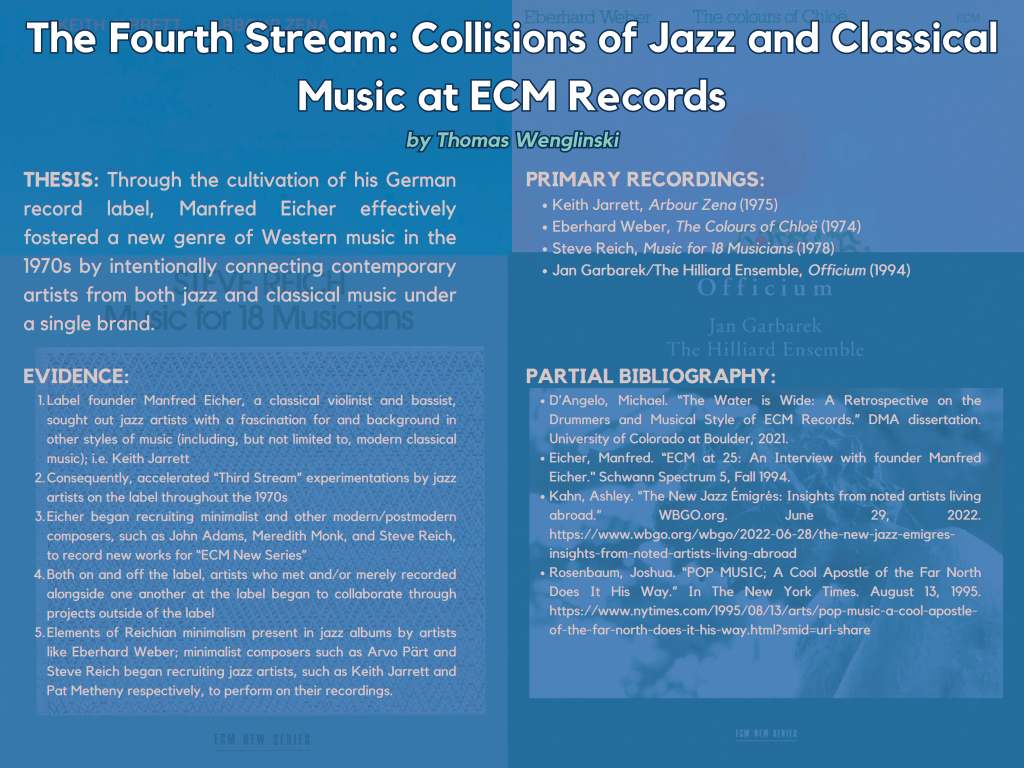
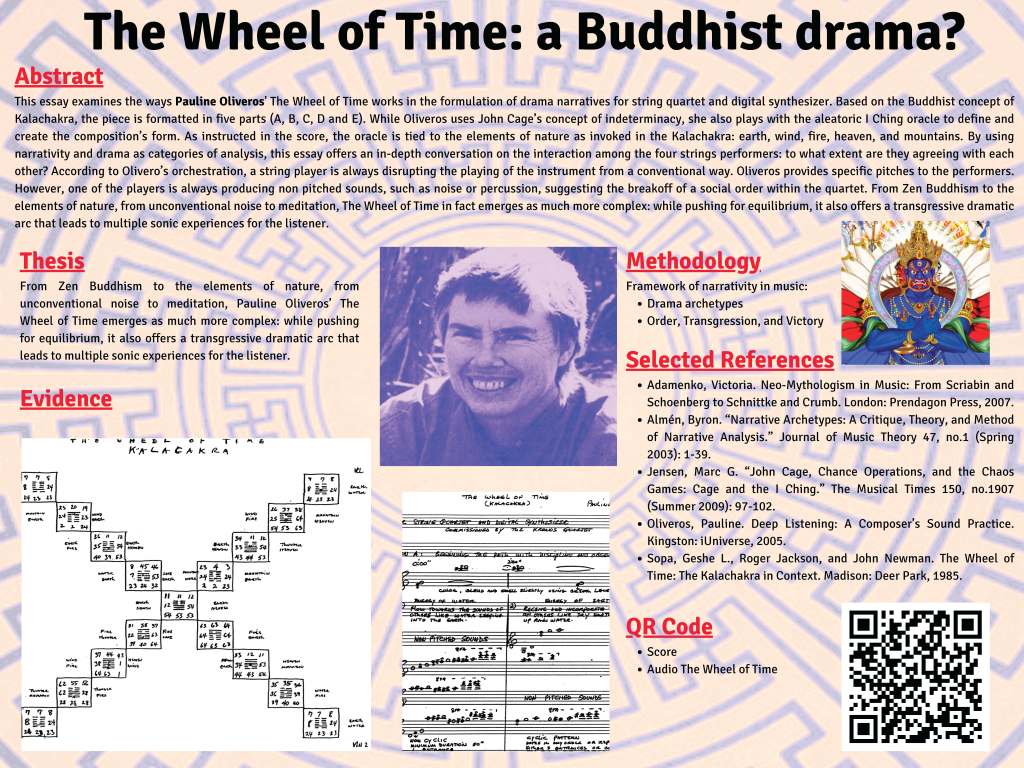
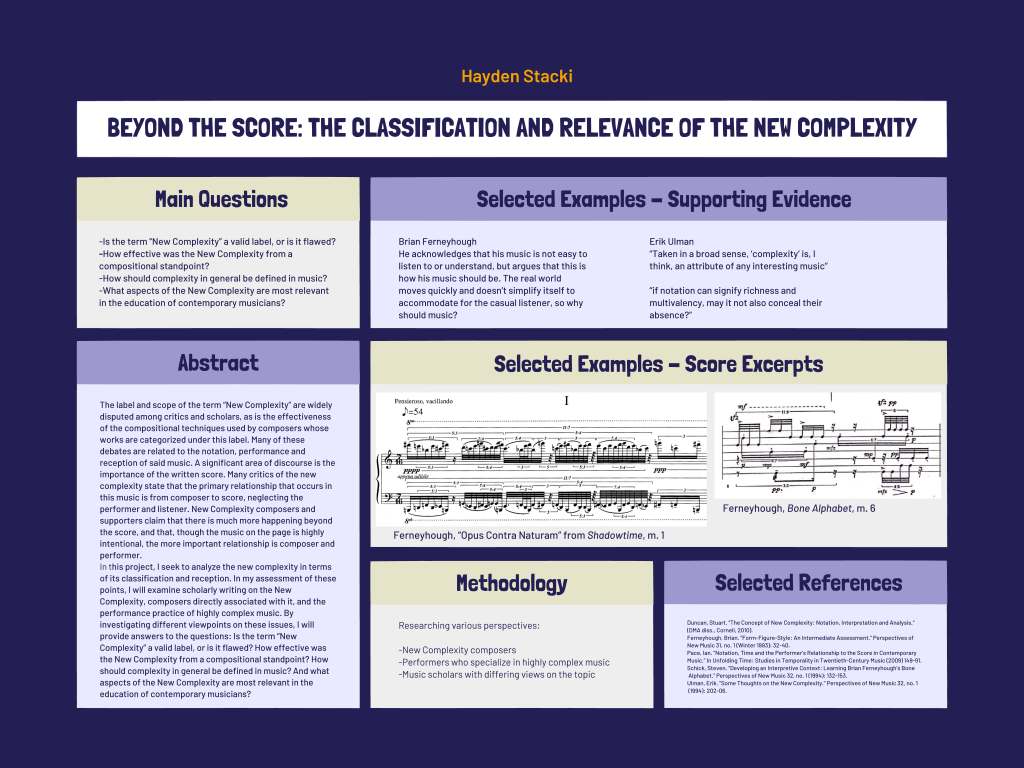
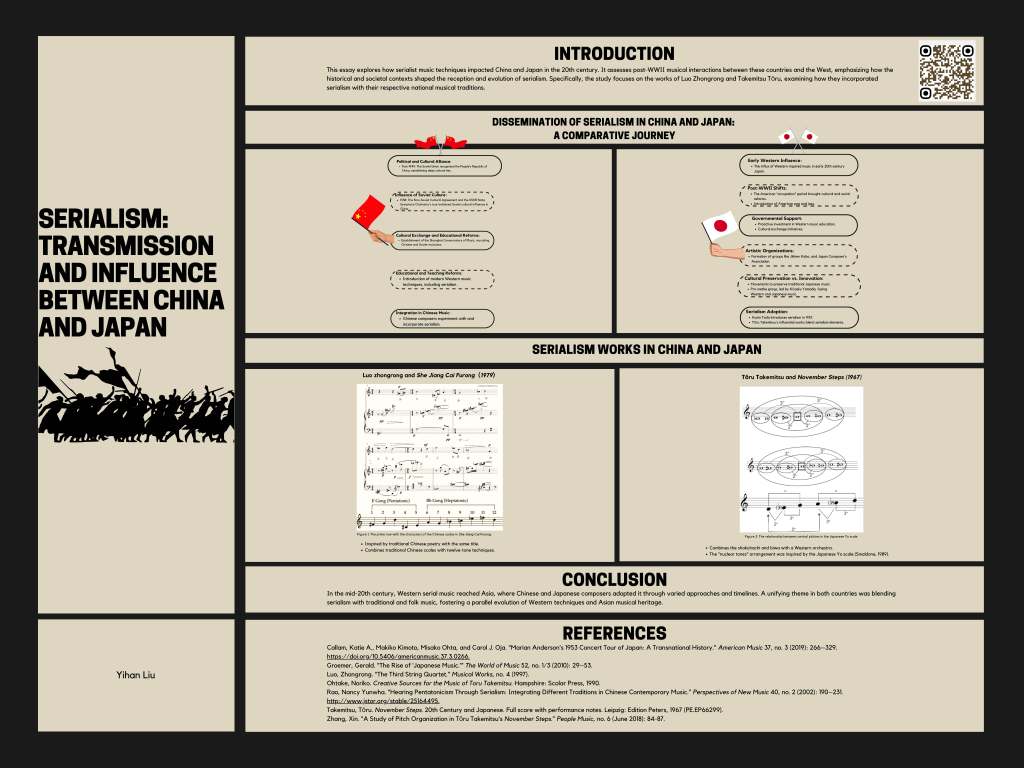
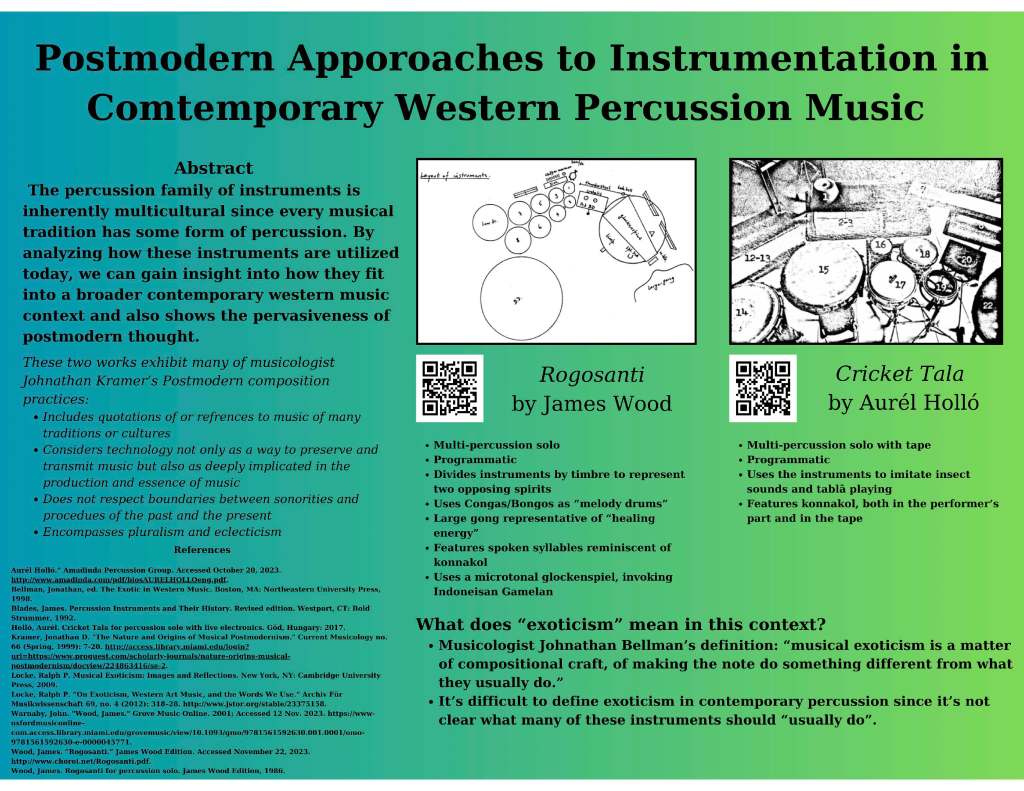
Above you can view the research posters designed by my graduate students in the fall 2023 courses “Interpreting Music History and Culture” and “Classical Music of the 20th and 21st Centuries.” The students completed research papers that they had to present at the end of the semester in a poster session. Below I share the guidelines for this assignment. This was my first time assigning students a research poster as their final project presentation, so it was a bit of an experiment. I didn’t have them print the posters because of logistics and costs, so we projected them on a large screen. For one of the courses, we held the presentations in a common area of our music library in order to share their projects with a wider audience. Overall, the response from students was extremely positive, some noting that the exercise of distilling their research project into this virtual format helped them clarify their main thesis and focus their final written project (they submitted a first version of their written research papers about two weeks prior to the posters session, I provided detailed feedback on these first versions; then they had the poster presentations and about a week later they had to submit their revised final written papers). I will continue to implement this assignment in future courses.
Assignment Guidelines:
Create a 48 x 36 inch poster (landscape/horizontal orientation) that showcases your final project. The design must be visually appealing and well organized. It must include the following sections:
- Title
- Abstract
- Thesis statement/argument
- Supporting evidence
- Materials/Methodology
- References/Bib
- Add music examples, images, figures, charts, or tables that help you demonstrate your point and perhaps also add QR codes that take the reader to a sound/video recording of the music and/or the score
You will also deliver a 3min. presentation of your project in front of your poster on the last day of class.
Learning Objectives:
- Summarizing complex ideas in a visually appealing manner
- Learn how to use a graphic design software and implement basic best practices of graphic design
Basic graphic design principles:
- Don’t use more than 3 types of fonts
- Be careful with the selection of colors for backgrounds and text, make sure that they are contrasting enough. Light background –> dark text and vice versa.
- For color selection, use a color wheel or a color palette of complimentary colors. There are many online tools to generate color palettes; Figma is pretty user friendly https://www.figma.com/color-wheel/
- Follow the basic principles of graphic design; Figma, again, provides a concise overview of these: https://www.figma.com/resource-library/graphic-design-principles/
Some tips:
- Make sure you export it as a print quality PDF, at 300 dpi. When you use images make sure that they are 300dpi before you import them into the file/design, otherwise they will be pixelated.
- You can use whatever software program you feel most comfortable with (Indesign or any other Adobe CC programs, Canva). I’ve found that Canva is user friendly, so I’ve created a template on Canva.
- Canva Template
- Scientific project poster layout

 Marysol Quevedo